Case Study: Registration and activation flow updates
- Type of work
- UI/UX DESIGN
- Client
- ZOOD
- Date
- 2022–2023
- Credit
- PRODUCT AND DESIGN TEAM
ZOOD is a fintech platform combining e-commerce, buy-now-pay-later services and e-logistics, serving over 10 million users across emerging markets. As a product designer at Orient Swiss, I contributed to improving the user experience across key parts of the platform.
Context
As part of ZOOD's ongoing product development, I worked on improving the registration and activation experience for new users. The project focused on making onboarding clearer, reducing friction across key steps, and aligning the interface with the updated design system. The goal was to streamline registration and increase conversion from account creation to successful credit-limit activation.
Problem
Registration was only the beginning of the user journey. While users could browse the marketplace without activating their account, they needed a credit limit to access installment payments. The existing experience presented two key challenges: simplifying the registration process and reducing drop-offs during activation. Users needed clearer guidance, a more manageable sequence of steps, and a stronger reason to continue immediately after signing up.
My role
As the key designer on the project, I was responsible for shaping the product experience from the initial low-fidelity wireframes through to the final high-fidelity prototype.
- Improved the onboarding tutorial and registration experience
- Simplified activation steps and added clearer guidance
- Introduced progress indicators and improved selfie verification
- Made activation modular, allowing users to return to incomplete steps
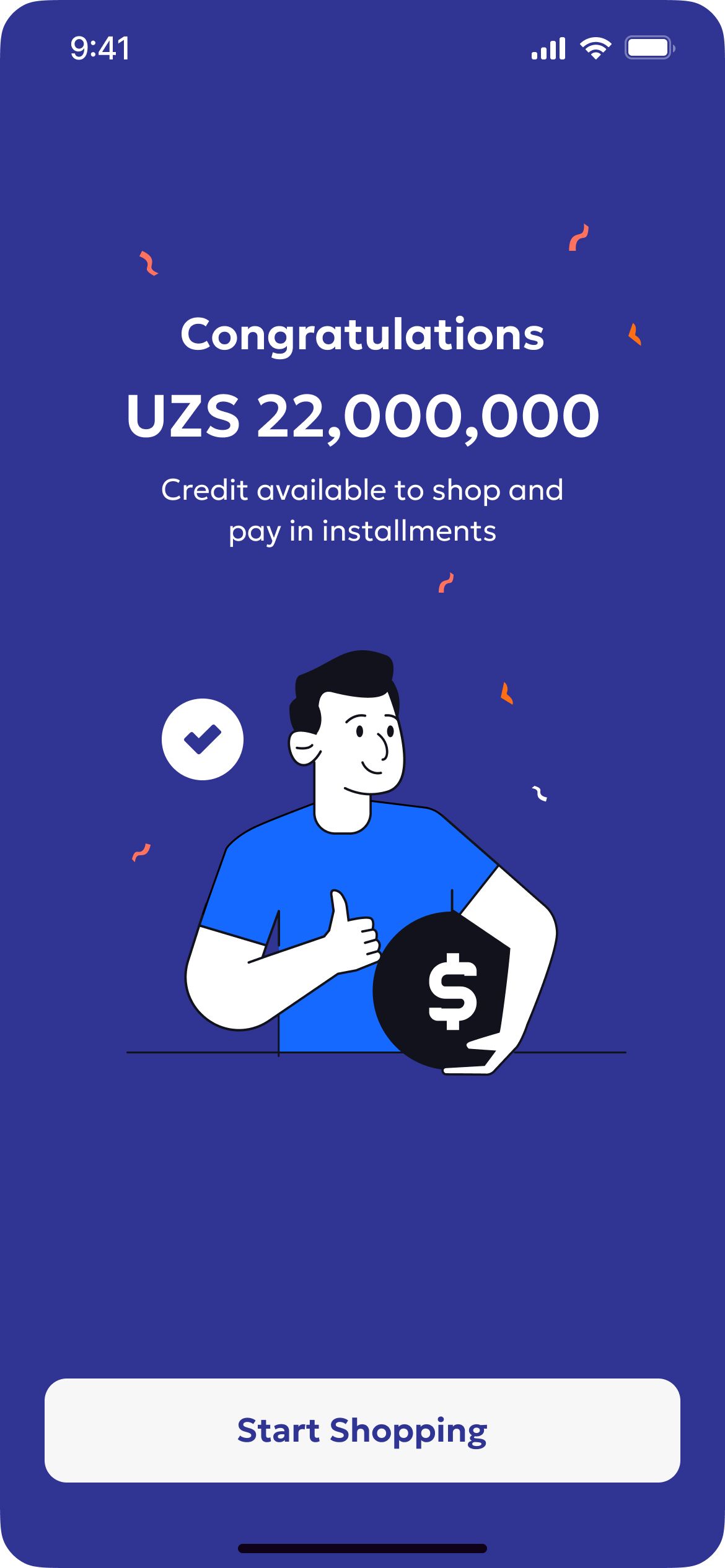
- Designed the Golden Flow to connect registration directly to activation
Registration and activation journey
- Start, then Choose Country
- Choose Country, then Sign / Sign up
- Sign / Sign up, then Registrationintervention
- Registration, then Phone no Validation
- Phone no Validation, then OTP Valid?
- OTP Valid?, then First/Last Name
- First/Last Name, then Home Page or Account page or Check out or Loyalty or golden flow [entry point]intervention
- Home Page
- Account page, then ID verification
- Check out, then ID verification
- Loyalty, then ID verification
- golden flow [entry point], then ID verification
- ID verification, then Personal informationdrop off
- Personal information, then Credit limit Issuanceintervention
- Credit limit Issuance
- Start
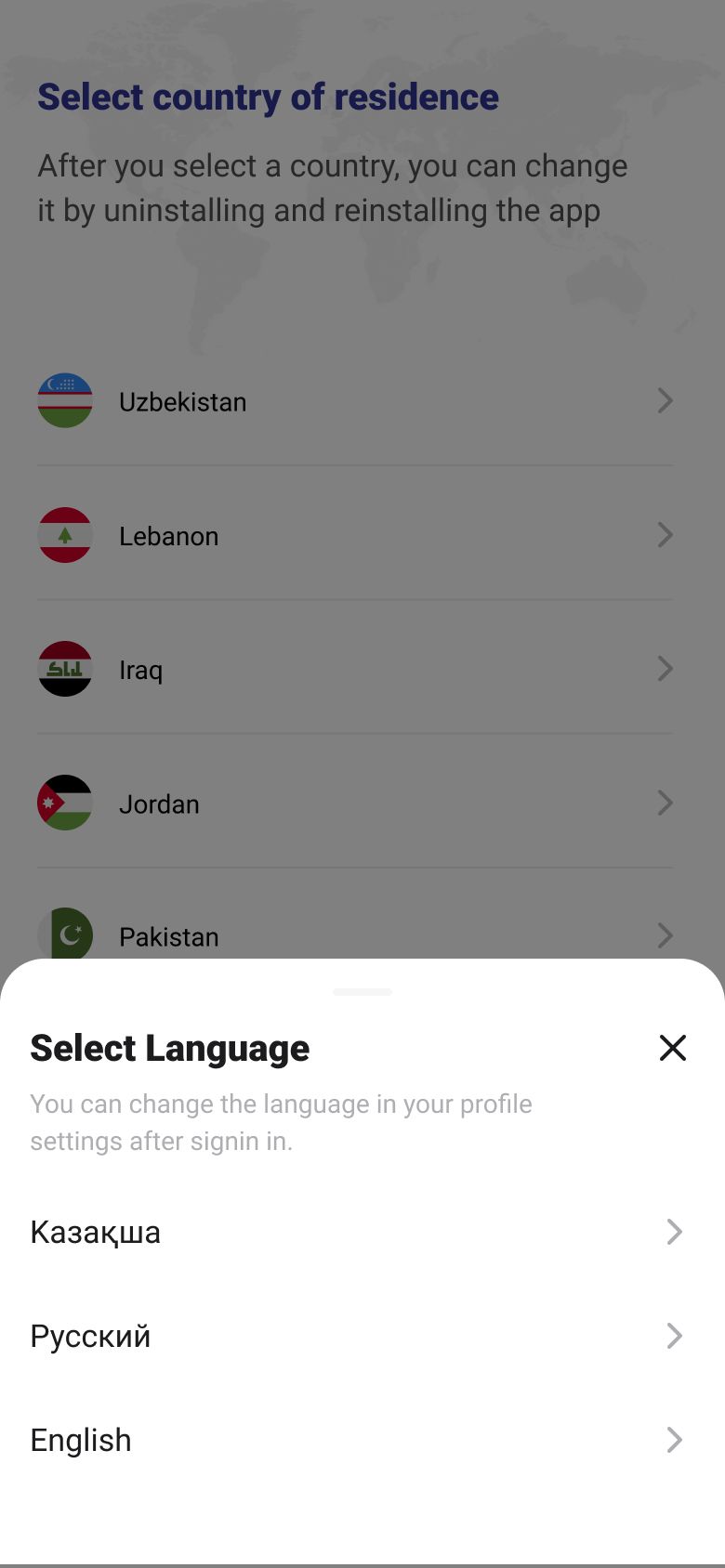
- Choose Country
- Sign / Sign upintervention
- Registration
- Phone no Validation
- OTP Valid?
- YesFirst/Last Nameintervention
- Home Page
- Account page
- Check out
- Loyalty
- ID verificationdrop off
- Personal informationintervention
- Credit limit Issuance
Key changes
A. Improved registration & UI changes B. Improved activation entry point C. Improved activation
01 — Improved registration and UI changes
1.1 — Onboarding tutorial
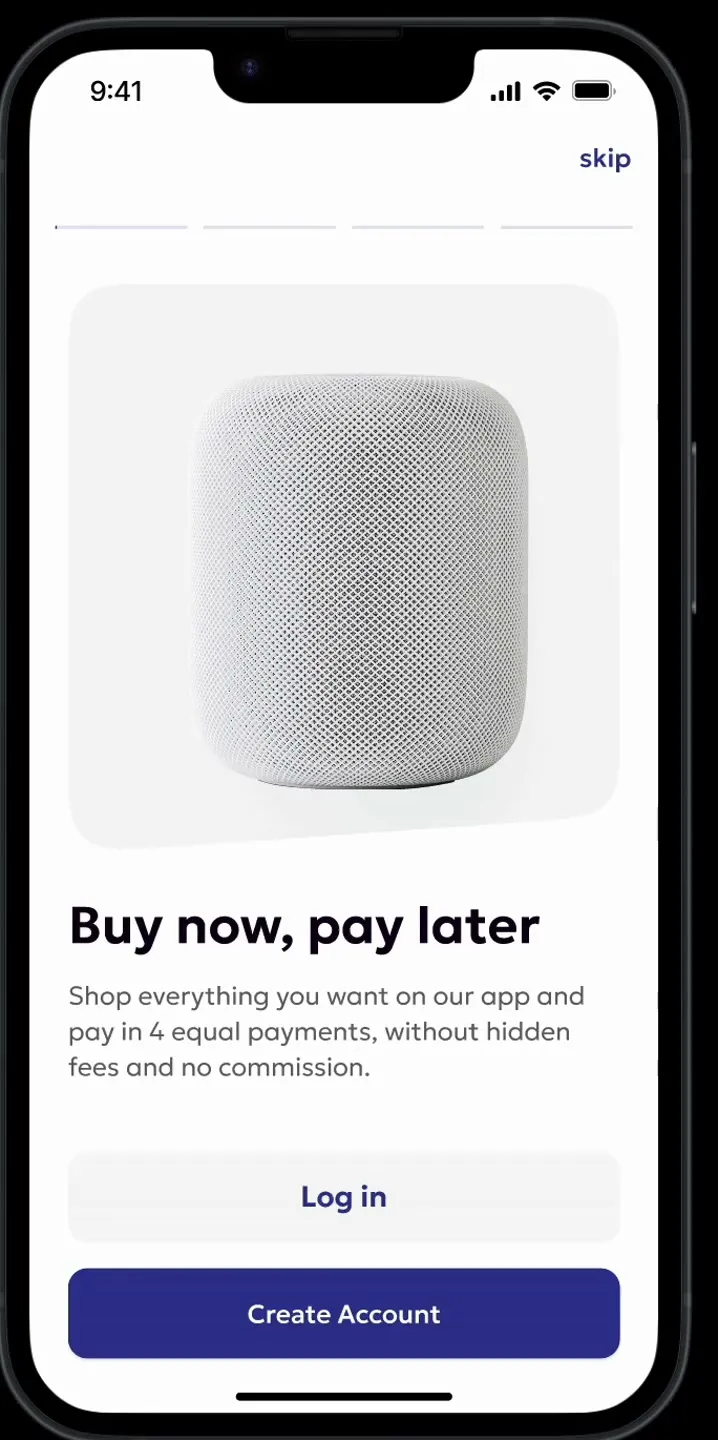
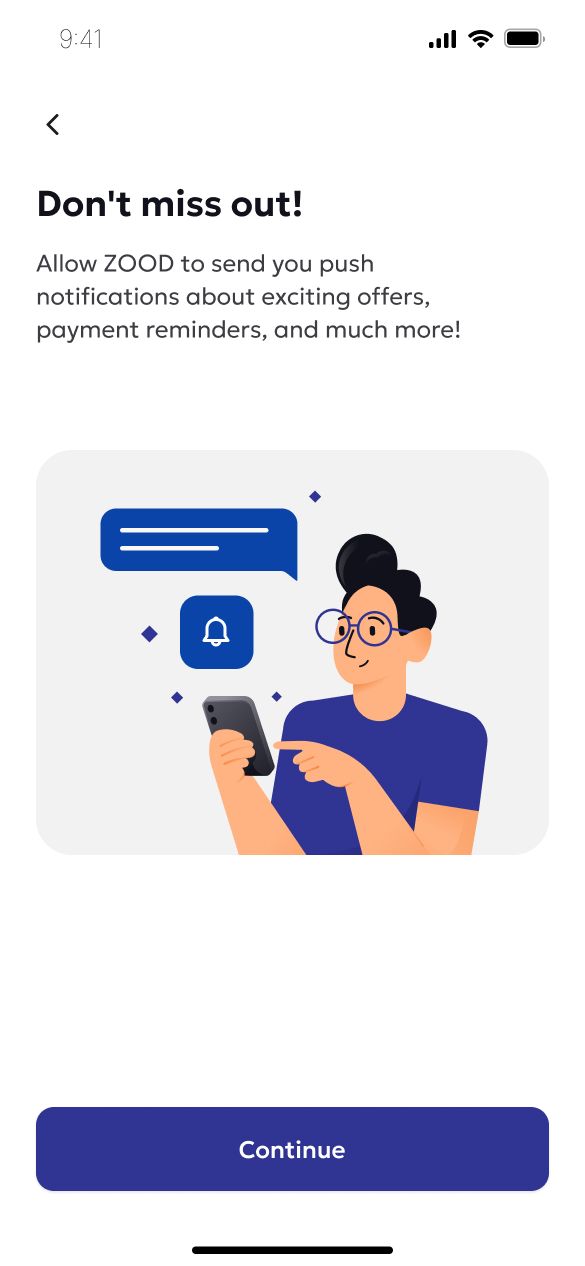
We introduced a concise onboarding tutorial at the beginning of the flow to educate first-time users about ZOOD’s core value proposition and set clear expectations about the registration steps ahead. This addition helped reduce confusion and increased engagement at the entry point. For a more familiar experience, we used a story-like loader at the top for easier navigation back and forward.
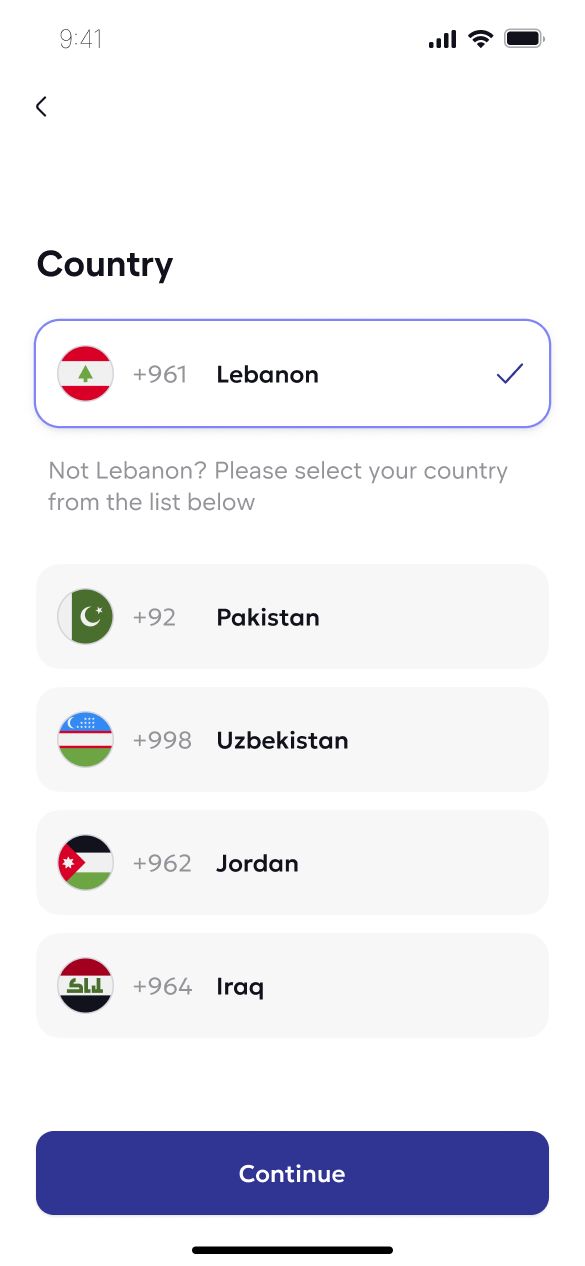
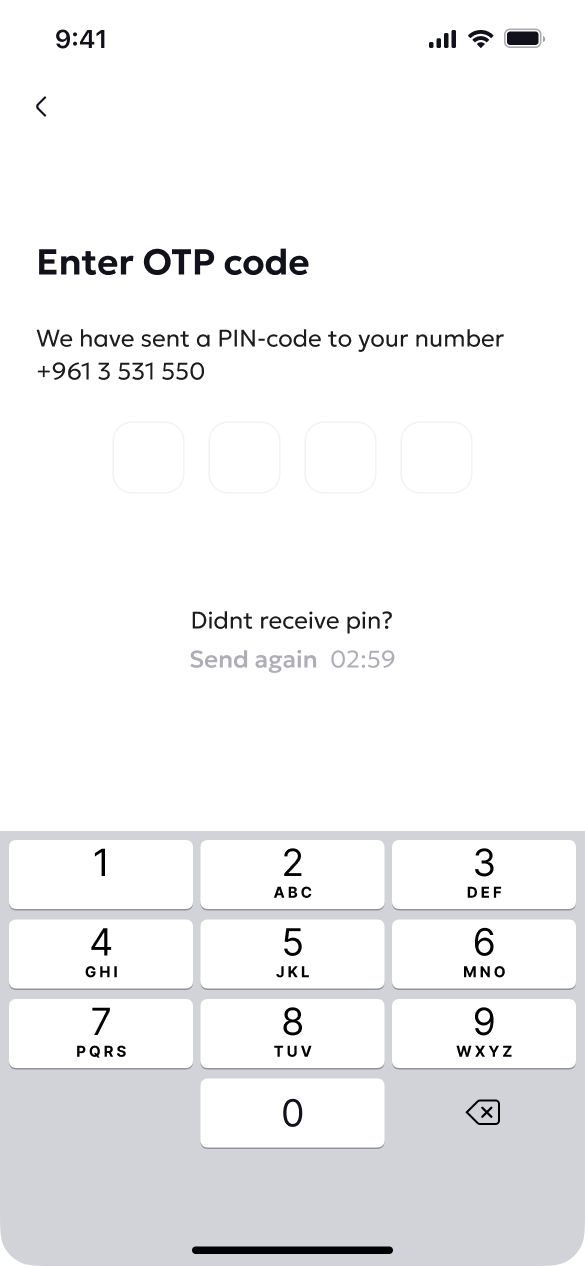
1.2 — Phone number–first registration
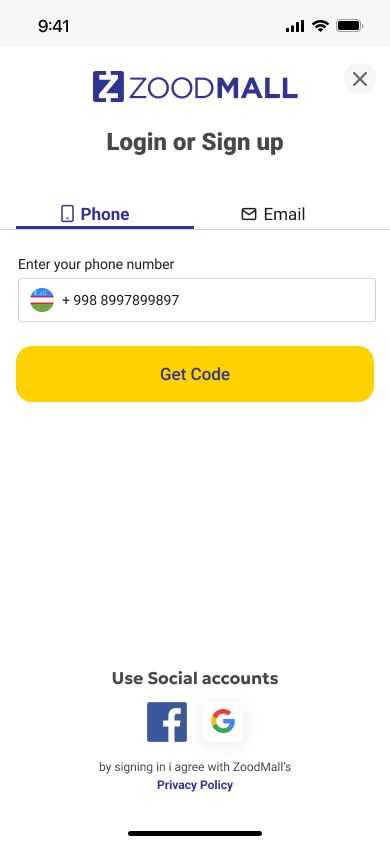
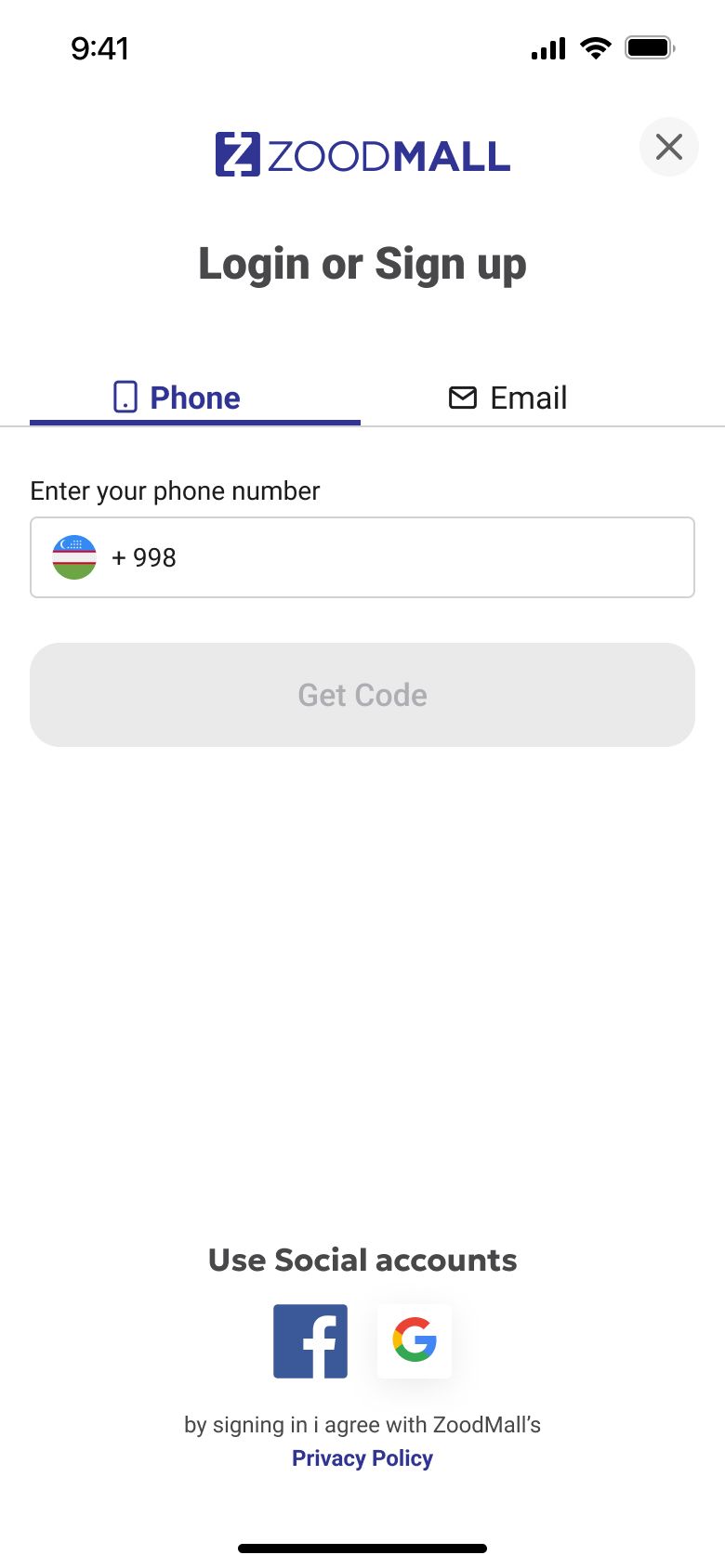
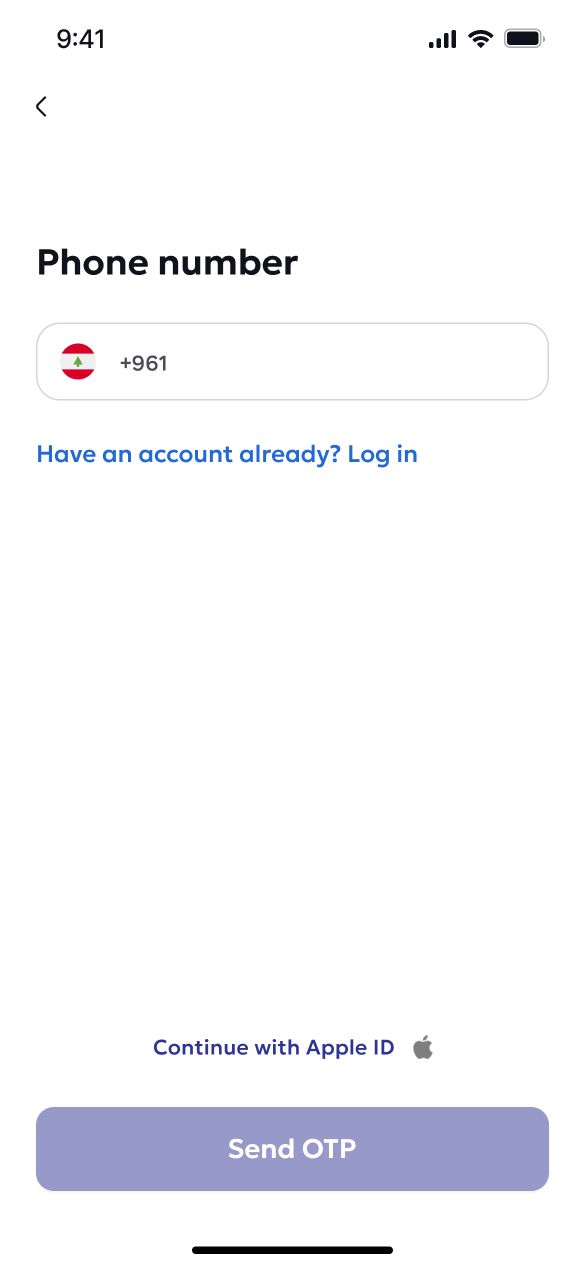
To ensure consistency across our platform and improve backend reliability, we made it mandatory for all new users to register using their mobile phone number. This decision simplified authentication, enabled better user tracking and verification, and reduced support issues tied to email/social login inconsistencies.
1.3 — UI enhancements
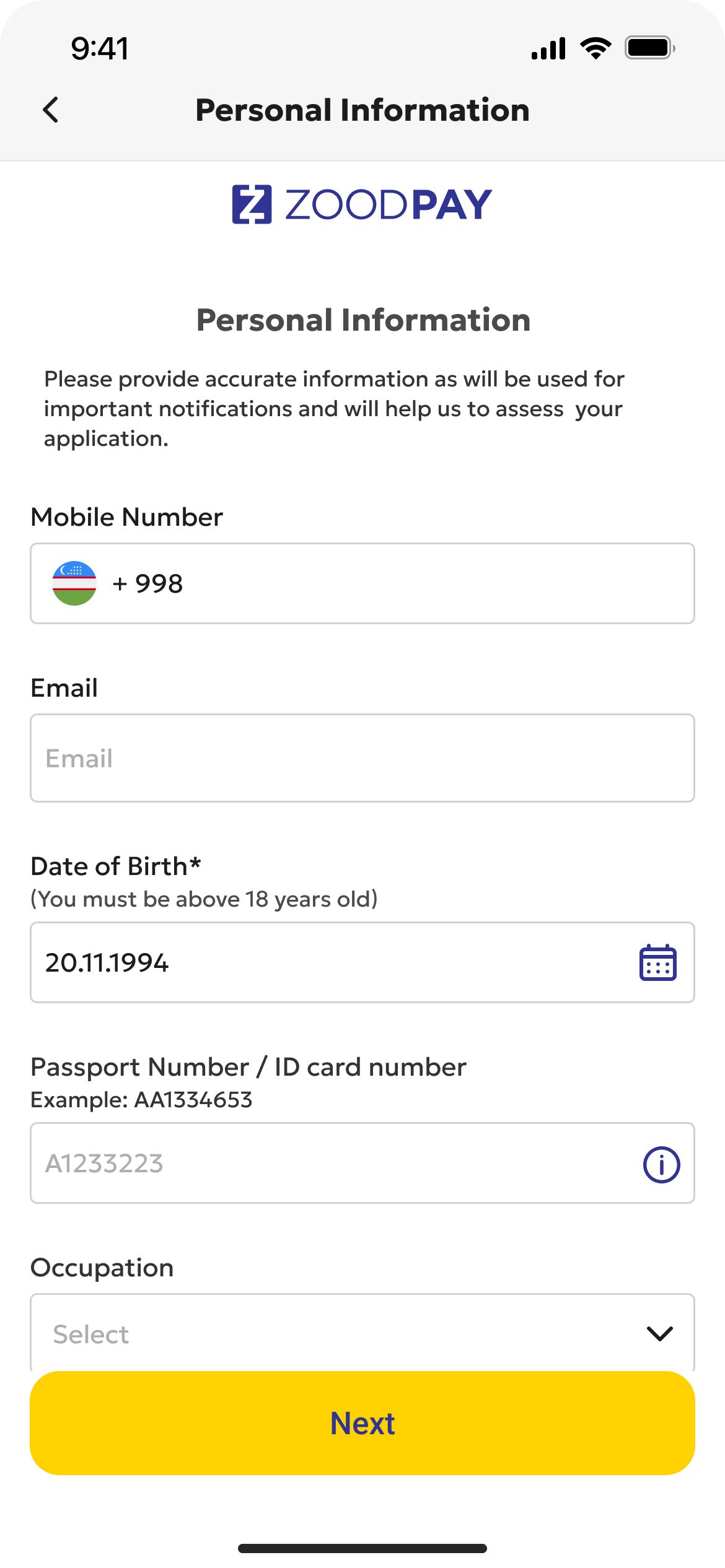
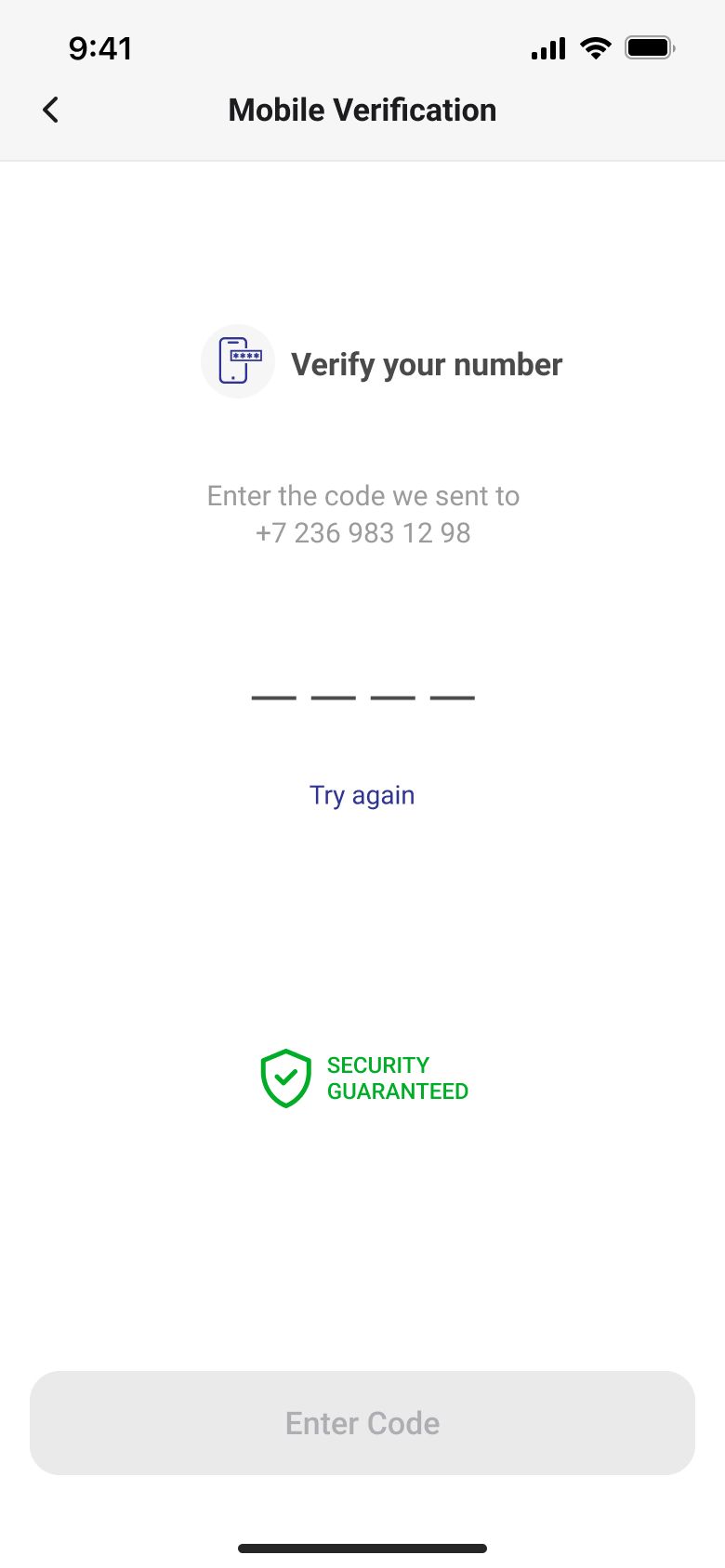
We applied the new ZOOD design system to the registration flow, focusing on clearer input fields and real-time validation, larger mobile-friendly tap targets, and a modern, consistent UI aligned with ZOOD's visual identity. These changes helped create a polished, low-friction experience that aligned with user expectations and mobile usability standards.
Before
After
02 — Improved activation entry point
Problem
Previously, after completing registration, users were redirected into the homepage to browse the catalogue. While this seemed logical, it failed to prioritize the most important step—activating the user's credit limit.
Solution
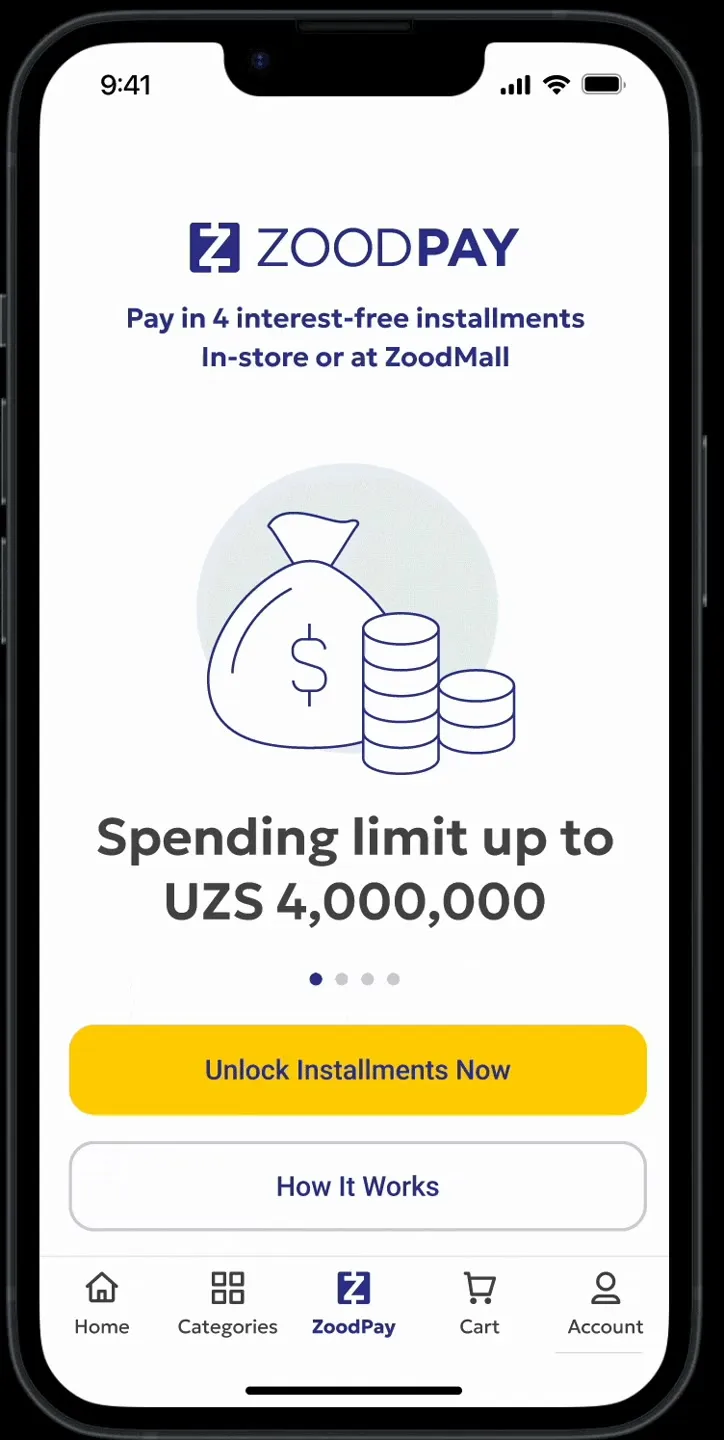
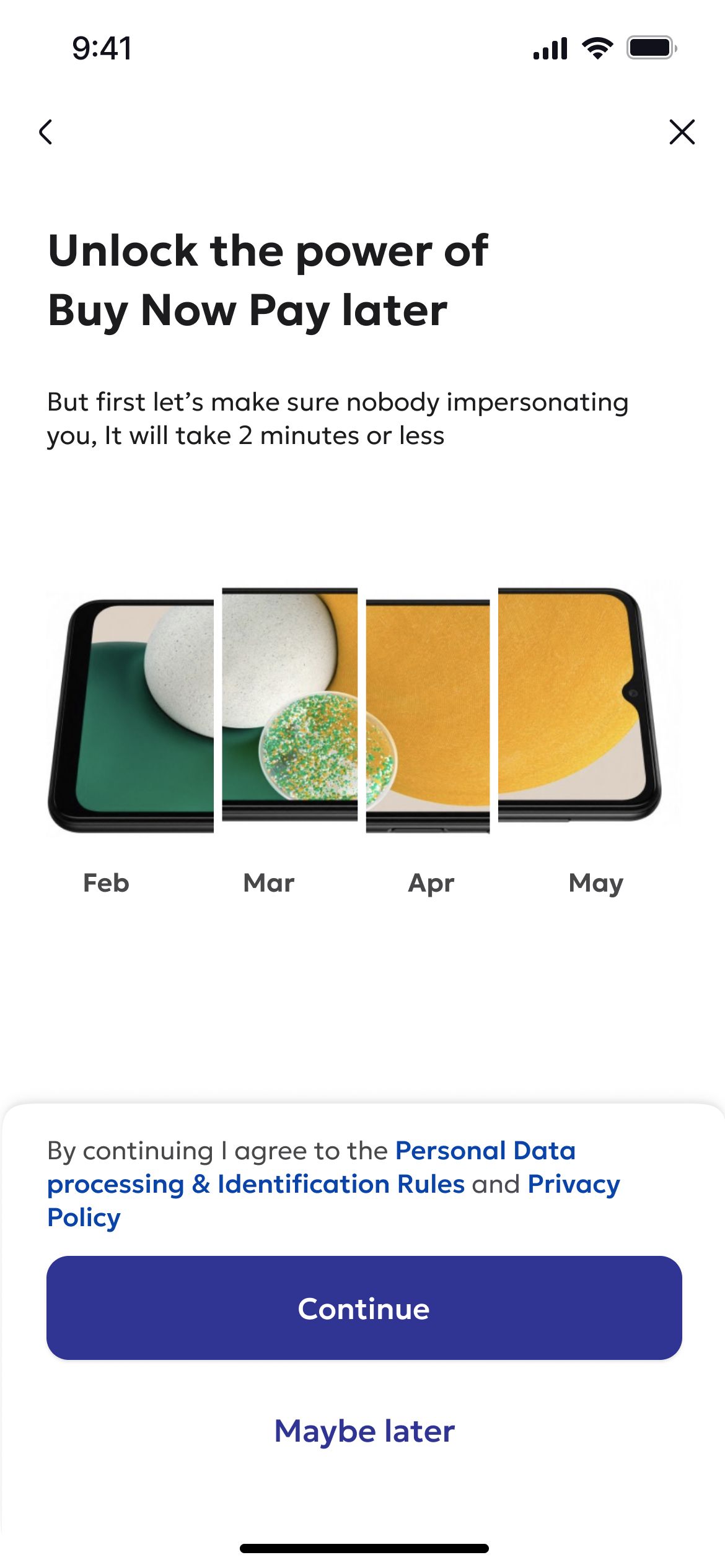
I introduced the Golden Flow — a dedicated screen shown immediately after registration. It highlighted the benefits of activating a credit limit and guided users directly into the activation process before they continued to the marketplace.
Activation entry point
- Registration, then Home Page or golden flow [entry point]
- golden flow [entry point], then Home Page or Activation
- Home Page, then Account page or Check out or Loyalty
- Account page, then Activation
- Check out, then Activation
- Loyalty, then Activation
- Activation
- Registration
- golden flow [entry point]
- Home Page
- Account page
- Check out
- Loyalty
- Activation
03 — Improved activation process
Step counter for progress visibility
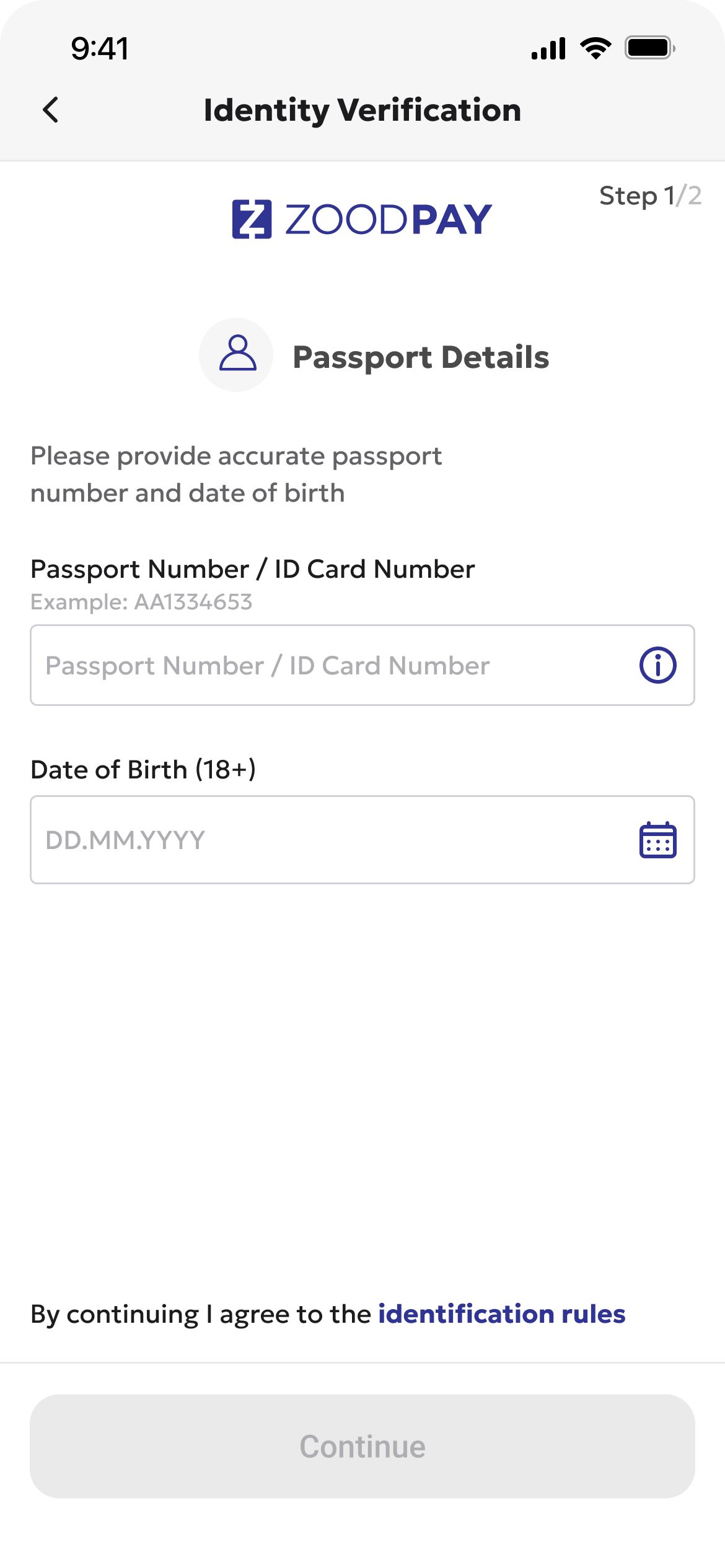
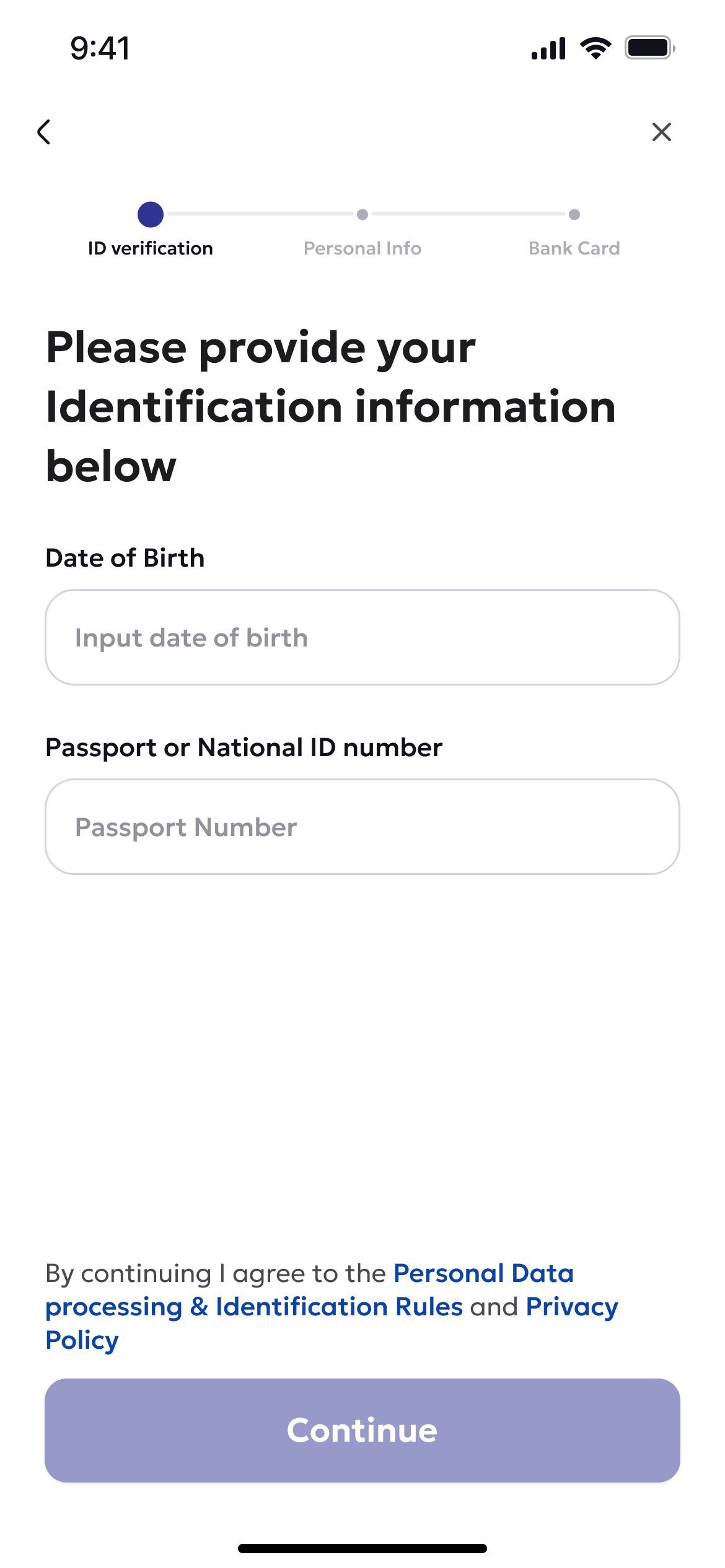
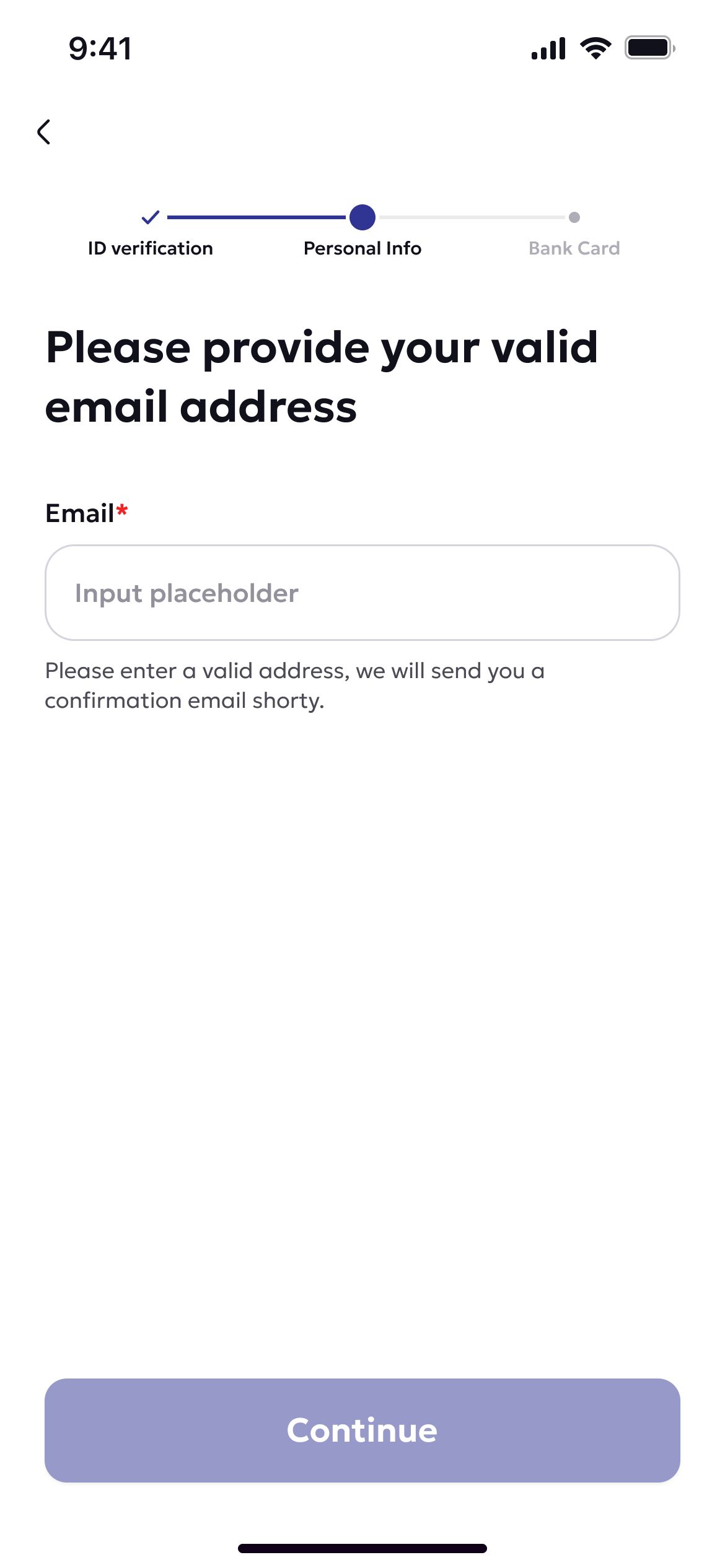
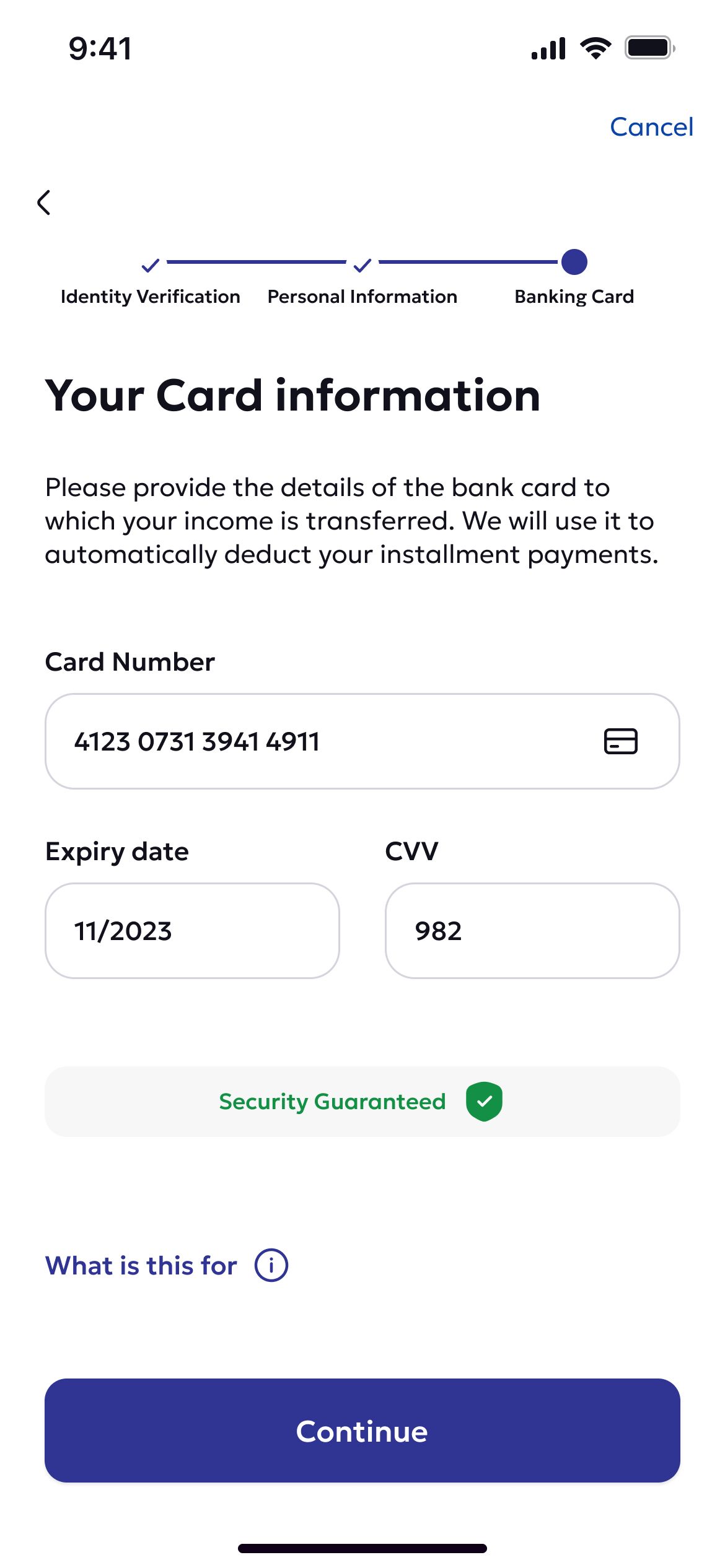
We introduced a top-level step counter to give users clarity on how far they’ve progressed and how many steps remain. This reduced abandonment by setting clear expectations.
Reduced actions per step
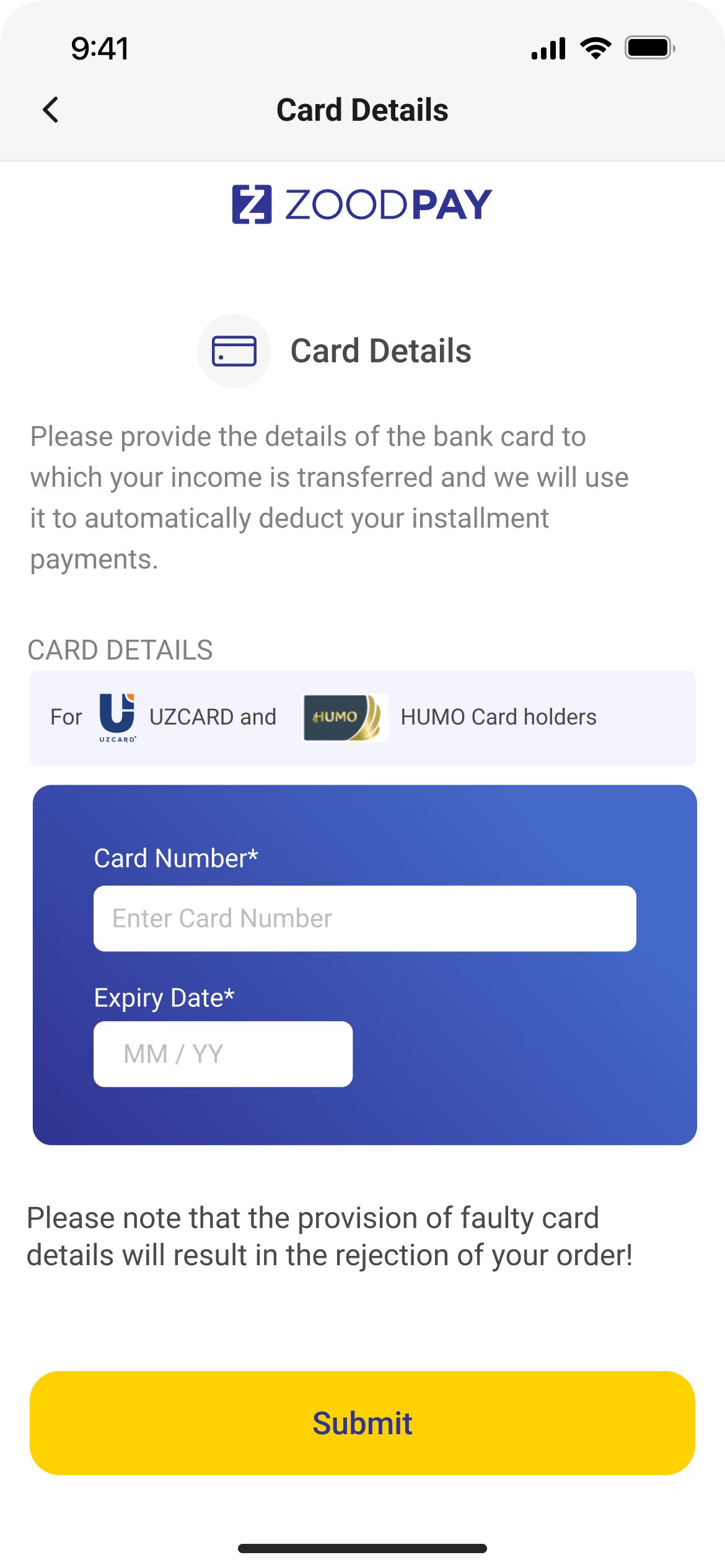
Broke down complex screens into smaller, focused steps—each requiring just one action. This minimized cognitive load and improved completion rates.
Enhanced selfie capture guidance
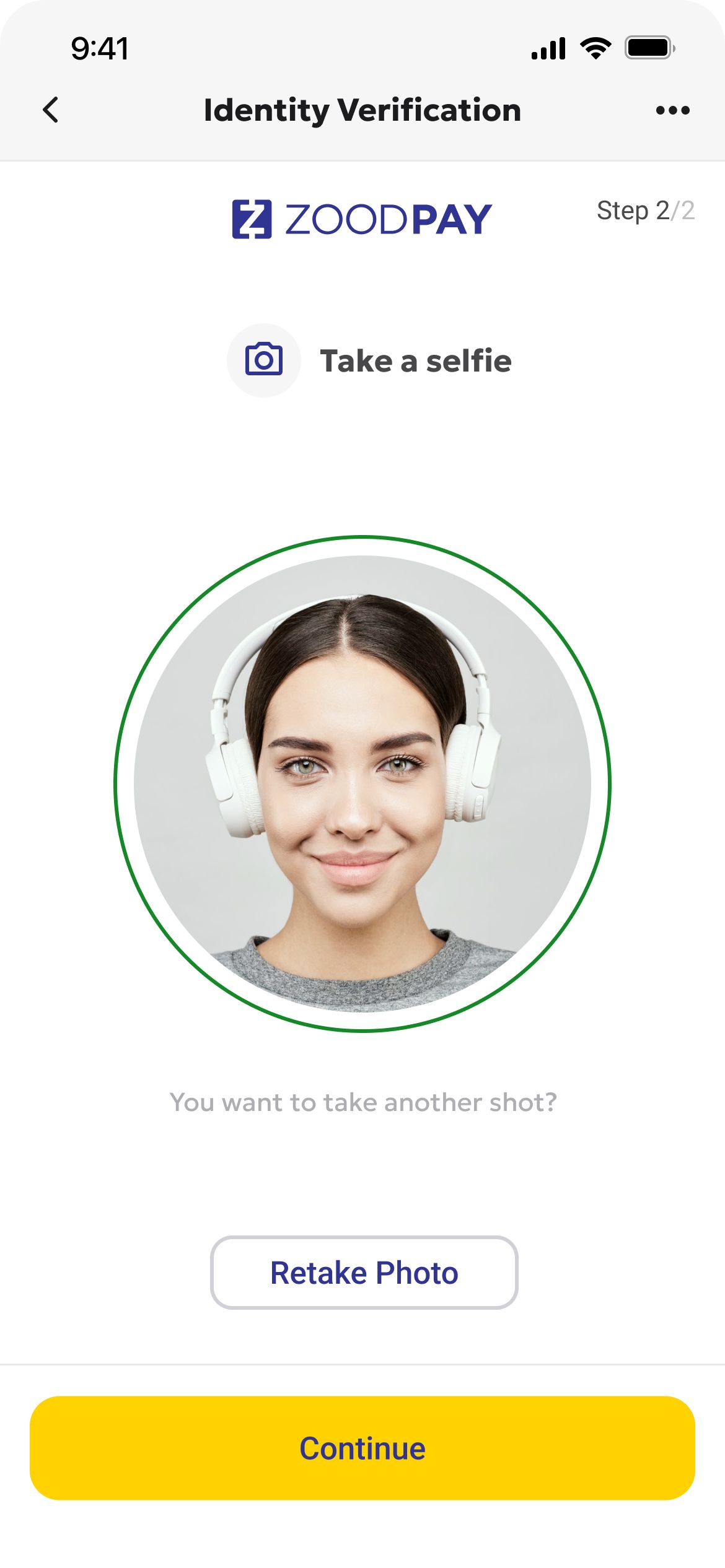
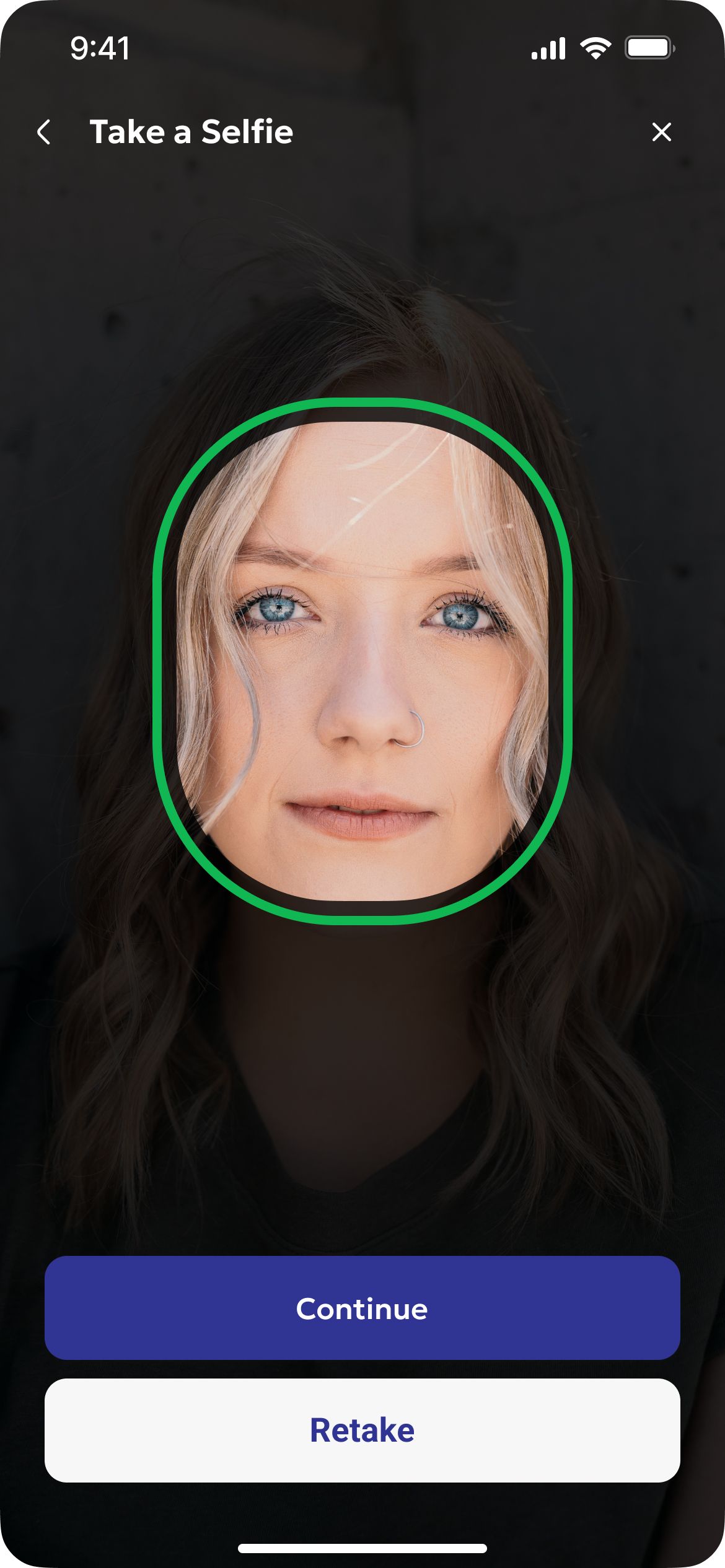
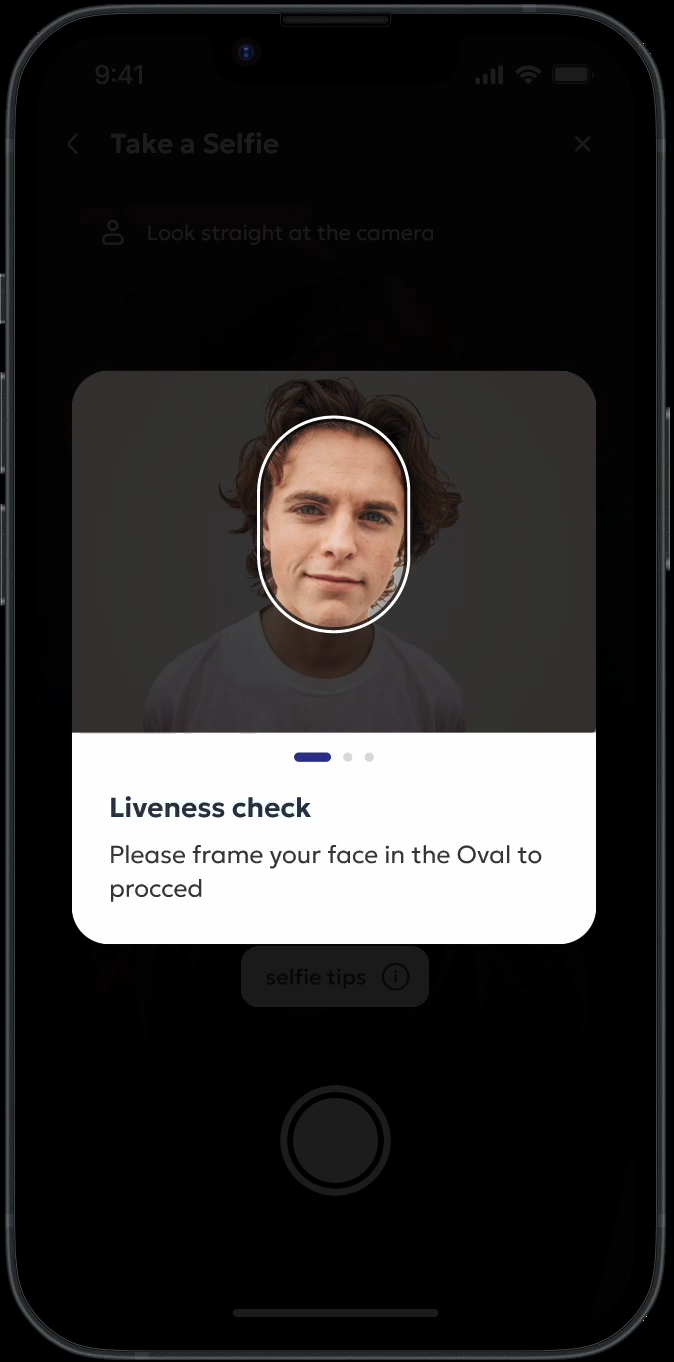
The facial verification step was one of the most error-prone. We added contextual Selfie Tips with visual cues and instructions, which significantly improved the success rate on the first attempt.
Processing screen integration
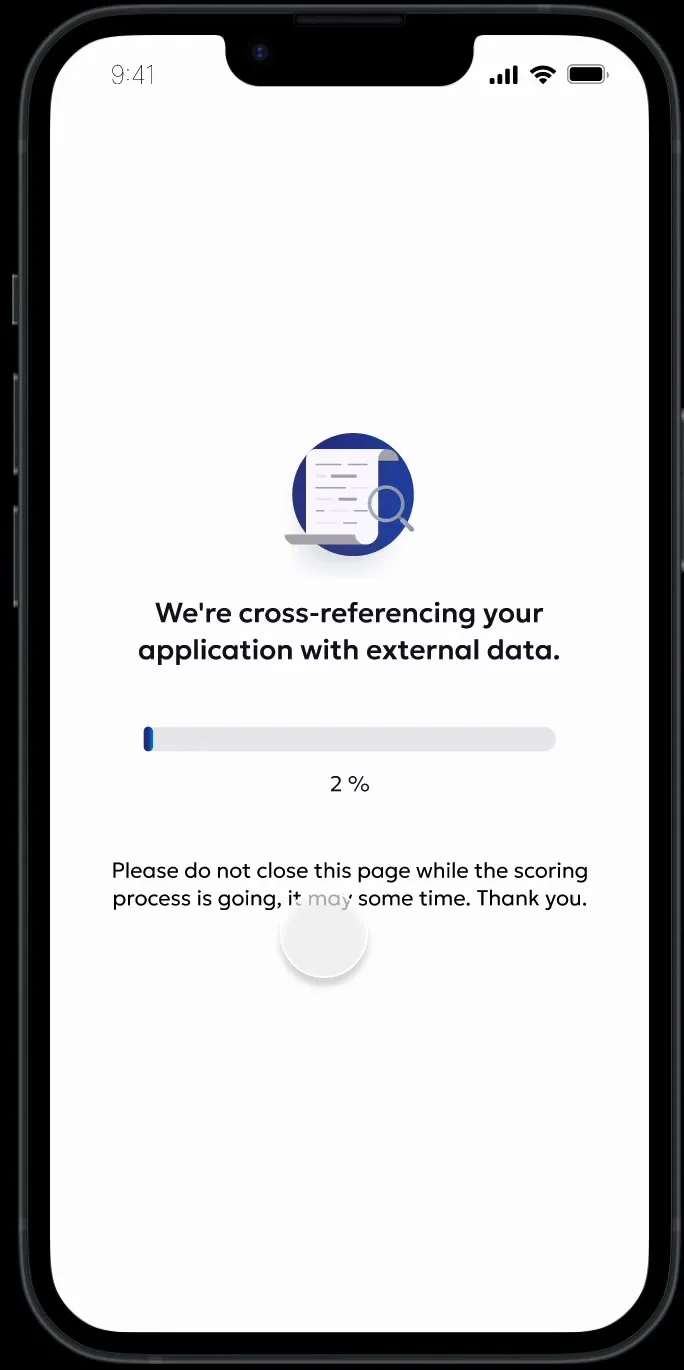
During credit scoring, users previously had to wait while their application was being evaluated. I introduced a dedicated processing screen with dynamic visuals explaining the steps taking place in the background, making the wait feel more transparent and keeping users informed while their application was assessed.
Before